
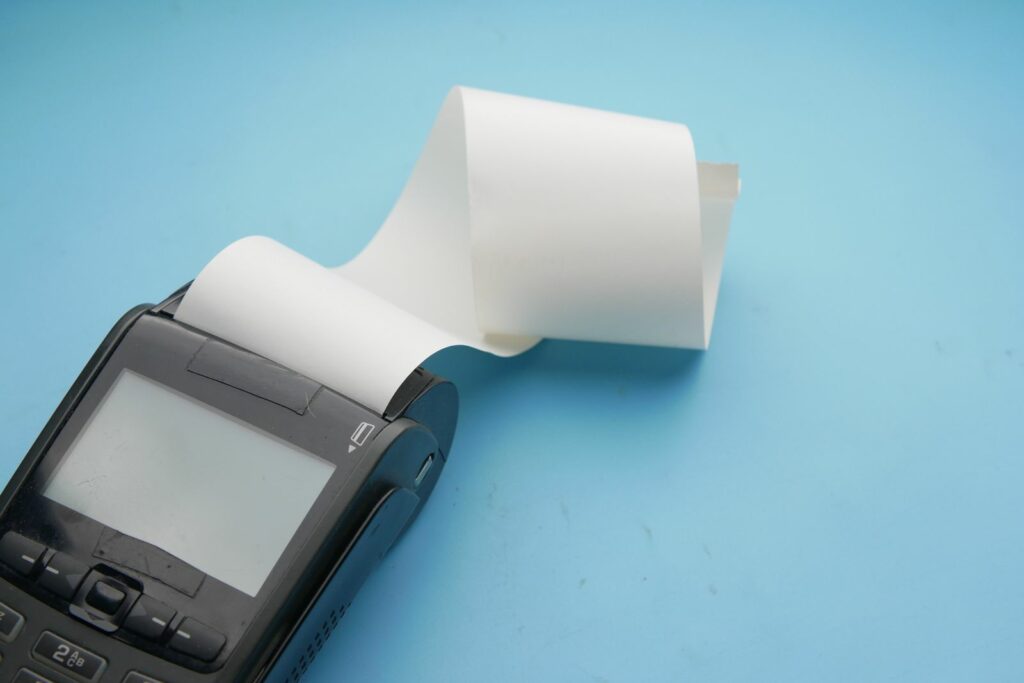
Across New Zealand, businesses are replacing older payment terminals with newer models, many of them Android touchscreen terminals. For terminal providers, resellers and installers, that means rollouts: hundreds of units unboxed, configured and fitted across many sites in a short window.
A rollout is also the best-value moment to add protection. The terminal is new, the screen is clean, and someone is already on site handling every unit. Fit wet covers, screen protectors and silicone cases then, and you avoid replacing scratched, cracked or liquid-damaged terminals later in their life.
Why terminals are being replaced
Every payment terminal that accepts PINs is approved against a version of the PCI PIN Transaction Security (PTS) standard, and each version’s approvals have a fixed expiry date. For example, the PCI Security Standards Council has extended the expiry for devices approved under PTS POI version 5 to 30 April 2027.
Expiry is an approval status, not a switch-off date. Whether and when a terminal has to be replaced is set by the card schemes, acquirers and terminal providers, so the timing varies. But as older models reach the end of their approval, providers and their customers are planning fleet swaps, and the replacement terminals are expected to stay in service for years.
Why protect at install
A lot of terminal damage is everyday wear: drinks spilt on keypads, grit and card edges on screens, drops at the counter or table. It builds up slowly, and it usually gets dealt with one unit at a time, with a support call, a site visit and a swap-out.
Fitting protection during the rollout changes that:
- One visit, not two. The installer is already handling every unit, so fitting a cover or screen protector adds minutes, not a separate trip.
- A clean start. A new screen is the easiest to fit a screen protector to. Once a terminal has been in use, getting it clean and dust-free is harder.
- Fewer replacements later. Protection takes the scratches, spills and knocks instead of the terminal, so units stay serviceable for longer.
- A consistent fleet. Every site gets the same protection for each model, which keeps support and reordering simple.
A checklist for adding protection to a rollout
- Identify the exact models. Protection is cut for each specific terminal, so confirm the model and variant for every site before you order.
- Decide which sites need wet covers. Hospitality, outdoor and high-traffic counters, where drinks, rain and dust are part of the day, suit wet covers on keypad terminals. Touchscreen terminals don’t take a wet cover; they get a silicone case and screen protector instead.
- Fit screen protectors before deployment. Do it at the depot or during staging, on a clean, dust-free screen. Our screen protector guide covers what to look for.
- Order protection alongside the hardware. Put it on the same purchase order and delivery schedule as the terminals, so nothing goes out unprotected while you wait for stock.
- Keep spares for the next swap. Screen protectors, wet covers and cases are wear items. Hold spares for each model so a worn one can be replaced on the next service visit or when a terminal moves site.
Matching protection to the terminal
Touchscreen and Android terminals
For touchscreen terminals, the combination is a silicone case plus a screen protector. Our range includes the Verifone T650P, the PAX A920 Pro and A910S and the Sunmi P2 and P3. Our screen protectors are premium, rated 9H, with a matte anti-glare finish and an exact-model fit, and they’re easy to fit.
Keypad terminals
For keypad terminals, a wet cover seals the keypad while the keys still press normally. The range includes the Ingenico Move 5000, Verifone P400 and 210m, the Ingenico Desk 3200 and the Ingenico Lane 3000.
Rolling out a model that isn’t listed? Get in touch and tell us which terminal it is, as screen protectors can be made for most models.
Hire and rental fleets
If you run terminals that go out on hire, the rollout is only the start. Our guide for EFTPOS hire and rental fleets covers refreshing terminals between hires.
Talk to us before your next rollout
We manufacture protective wet covers and screen protectors and supply silicone cases for EFTPOS & POS card terminals. Keycovers is based in Auckland, New Zealand, and works with terminal providers, resellers and installers. Send us the models and rough quantities in your rollout, and we’ll put together options. You can also browse the range by terminal in EFTPOS terminal covers and screen protectors, or contact us directly.
Need covers or screen protectors for your terminals? Talk to us about your fleet.