
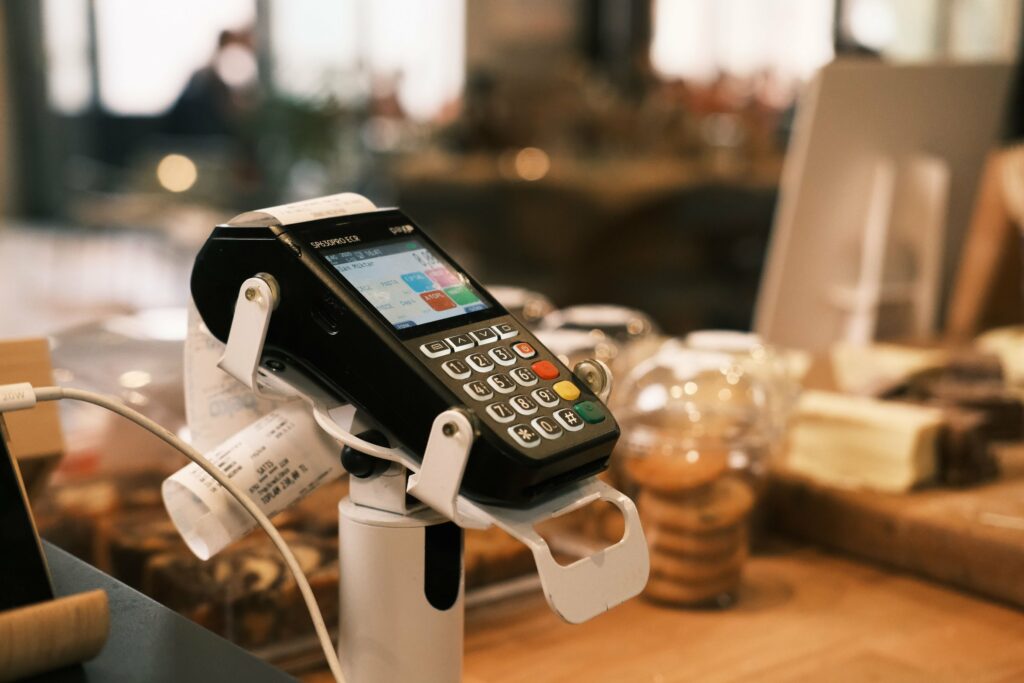
Modern payment terminals are mostly screen. Android terminals in particular use a large touchscreen for everything from entering amounts to signing in staff. That screen is also the part that takes the most punishment, and it isn’t cheap to replace.
A screen protector is the simplest way to protect it. They aren’t all the same, though. This guide explains what to look for when choosing a screen protector for an EFTPOS or smart payment terminal, especially if you’re buying for more than one device.
Why payment terminal screens get damaged
A phone screen is mostly touched by its owner. A terminal screen is touched by staff and hundreds of customers, many of them holding cards, keys or coins. Common causes of damage include:
- card edges and rings dragging across the display
- terminals being slid across counters or stacked in drawers and bags
- grit and dust on fingers acting like fine sandpaper
- drops onto hard floors, particularly with portable terminals
- harsh or frequent cleaning that wears the screen’s surface coating.
Scratches make a screen harder to read, especially outdoors or under bright shop lighting. Deep scratches and cracks can affect touch response. And a worn screen makes a business look less professional at the point of payment.
Not all screen protectors are created equal
Cheap, generic protectors scratch quickly, lift at the edges and turn cloudy after a few weeks of cleaning. On a terminal that’s handled hundreds of times a day, that means replacing them more often, and a screen that looks tired at the point of payment. Ours are made from high-quality material and built for commercial use.
Premium 9H scratch resistance
Our screen protectors are rated 9H for surface hardness, the top of the pencil-hardness scale. They stand up to card edges, rings, keys and grit, so the screen underneath stays like new.
Matte anti-glare finish
A matte finish reduces glare and reflections, which helps with readability in bright conditions such as outdoors or under strong shop lighting. That’s a useful advantage at markets, events and outdoor hospitality, and for delivery. It also shows fewer fingerprints, so terminals look cleaner between wipes.
Safer than tempered glass
Tempered glass protectors are designed to break so the screen underneath doesn’t. On a phone that’s fine, but a payment terminal is handed to customers all day. A cracked glass protector can leave sharp edges and splinters right where people are tapping. Ours flex rather than shatter, so a knock or drop doesn’t turn the screen into a hazard. They’re made from a thick, premium film that’s easy to fit, stays firmly in place and sits neatly inside a silicone case without lifting at the edges.
Made for your exact model
Each protector is cut to fit a specific terminal.
What to look for
1. An exact fit for your model
Payment terminals come in many shapes and screen sizes, and some have cut-outs for cameras, sensors or buttons. A generic, cut-to-size protector rarely fits well. Edges that overhang lift and collect dirt, and edges that fall short leave part of the screen exposed. Always match the protector to the exact make and model, which is usually printed on a label underneath the terminal.
2. Touch sensitivity
A good protector shouldn’t make the touchscreen harder to use. If staff have to press harder, or taps don’t register, transactions slow down and customers notice. A good-quality protector stays fully responsive when it’s correctly applied with no trapped air.
3. Clarity and readability
Customers need to read the amount and the prompts clearly. Choose a protector that doesn’t haze, yellow or distort the display, and choose anti-glare where lighting is a problem.
4. Compatibility with cases and covers
Many terminals are used with a protective sleeve, case or keypad cover. The screen protector should sit within the case’s screen opening without being pushed up at the edges. If you’re combining a wet cover and a screen protector, check that they’re designed to work together on that model.
Some terminal providers supply protection with their terminals. If yours came with a screen protector or case, keep it fitted and replace it when it wears.
5. Easy to clean
Terminals are cleaned often. The protector’s surface should handle regular wiping with a terminal-safe cleaner without clouding or peeling. Coatings that resist fingerprints make day-to-day cleaning quicker.
6. Cost per terminal
Across a fleet of 50, 500 or 5,000 terminals, what matters is cost over the life of each terminal. A protector that lasts longer and keeps terminals looking new costs less over the life of the fleet than a cheap one you keep replacing.
Fitting a screen protector properly
Our protectors are easy to fit, and a clean, dust-free screen makes all the difference. A few simple steps help:
- Power down the terminal and work in a clean, dust-free spot.
- Clean the screen thoroughly with a lint-free cloth. Follow the terminal manufacturer’s cleaning guidance and never spray liquid directly onto the device.
- Remove any remaining dust with a dust-removal sticker or a piece of tape just before you apply the protector.
- Line it up before it touches the screen. Hold the protector by the edges, align it with the screen and any cut-outs, then lower it into place.
- Push out air bubbles from the centre towards the edges with a soft card or cloth.
- Check touch response across the whole screen before putting the terminal back into service.
For large rollouts, it’s worth having one or two people fit protectors in batches, as they quickly get faster and more consistent.
When to replace a screen protector
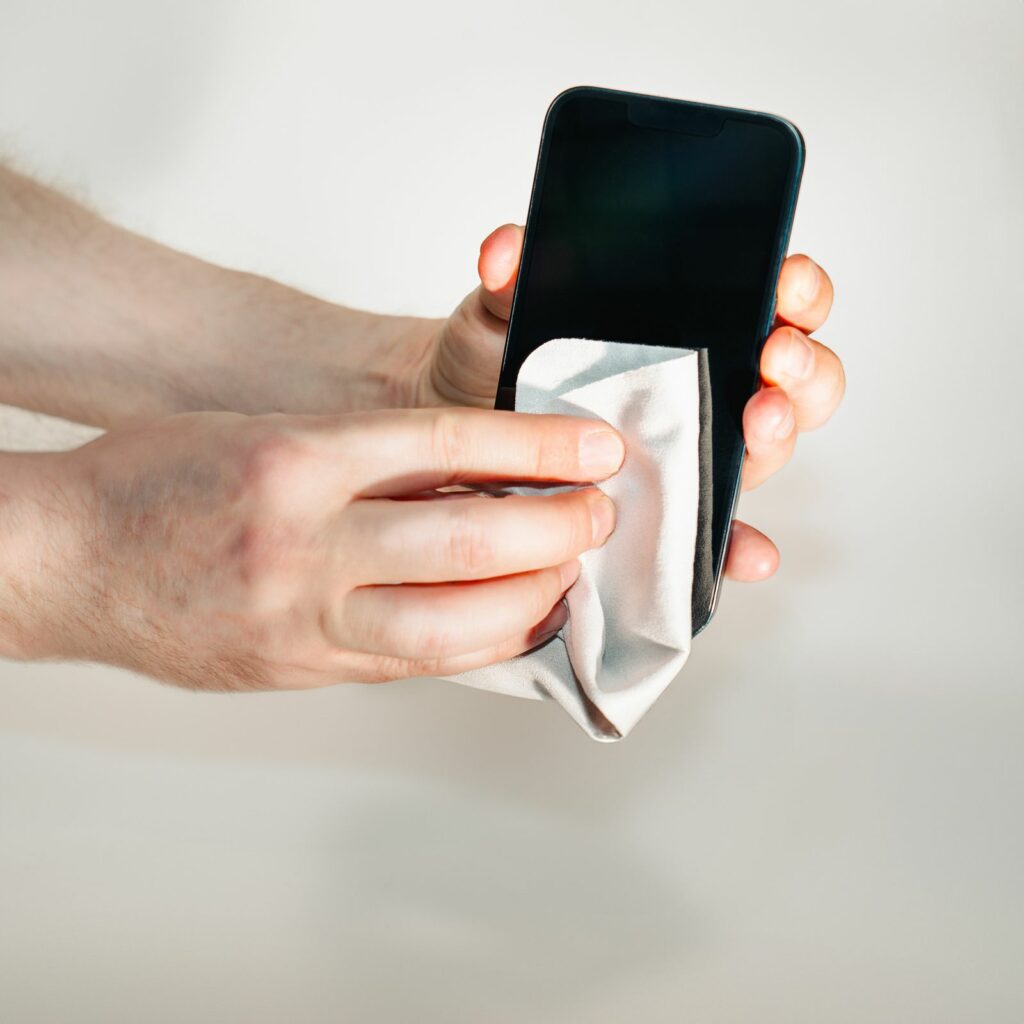
A screen protector is designed to be sacrificed. Replace it when it’s noticeably scratched, cracked, peeling at the edges, or starting to affect touch response or readability. Swapping out a protector takes a few minutes and costs far less than replacing a terminal screen.
Screen protectors and wet covers: better together
A screen protector looks after the display. A wet cover looks after the keypad and helps keep liquid and dirt out of the gaps between keys. For terminals with both a touchscreen and a physical keypad, using both gives you the most complete protection, particularly in hospitality, outdoor and high-hygiene settings.
Find the right screen protector for your terminals
We can make screen protectors for any terminal, and they matter most on touchscreen models such as the PAX A920 Pro and A910S and the Sunmi P2 and P3. We also make wet covers for a range of Verifone and Ingenico keypad terminals. Send us the make and model of your terminals and the number you need, and we’ll recommend the right option.
Request screen protectors for your terminals, email sales@keycovers.co.nz or call (09) 845 1464.
Need covers or screen protectors for your terminals? Talk to us about your fleet.