
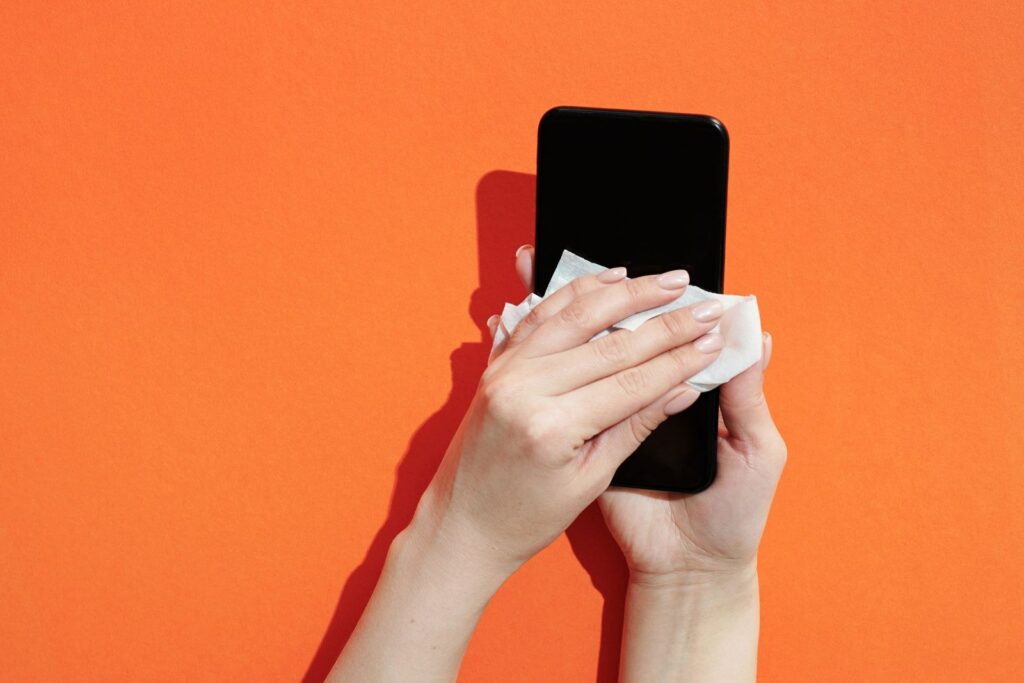
The Pax A920 Pro and Pax A910S are Android payment terminals that rely on their touchscreens for almost every transaction. Keycovers makes Pax A920 Pro screen protectors and Pax A910S screen protectors: thin, clear layers that take the everyday scratches and scuffs so the terminal’s own screen stays clear.
This post explains why these screens need protecting, what our A920 Pro and A910S screen protectors do, and how to fit and replace them across a fleet.
Why Pax A920 Pro and A910S screens get damaged
A terminal screen is touched far more than a phone screen, and by many more people. On a handheld Android terminal like the A920 Pro or A910S, scratches come from:
- card edges, rings and keys dragging across the display
- terminals being slid across counters or carried in pockets and bags
- grit and dust on fingers
- frequent cleaning that wears the screen’s surface.
A scratched screen is harder to read, especially outdoors or under bright lights, and it makes a terminal look tired when it comes back from a hire or a merchant.
What our Pax A920 Pro and A910S screen protectors do
Each screen protector is cut to fit its model, so it covers the display properly without lifting at the edges. It’s designed to:
- take scratches and scuffs instead of the terminal’s screen
- keep the touchscreen responsive to taps and swipes
- keep the display clear and easy to read
- be swapped quickly when it’s worn, for much less than replacing a screen.
We can make screen protectors for any terminal, and they matter most on touchscreen models such as the Pax A920 Pro and A910S and the Sunmi P2 and P3.
Fitting an A920 Pro or A910S screen protector
- Power down the terminal and work in a clean, dust-free spot.
- Clean the screen with a lint-free cloth. Never spray liquid directly onto the terminal.
- Remove any last specks of dust with a dust-removal sticker or a piece of tape.
- Line it up first. Hold the protector by its edges, align it with the screen, then lower it into place.
- Push out air bubbles from the centre outwards with a soft card or cloth.
- Test the touchscreen across the whole display before the terminal goes back into service.
For large rollouts, having one or two people fit protectors in batches gives faster, more consistent results. Our guide on how to choose a screen protector for your payment terminal has more tips.
Pax A920 Pro and A910S silicone cases
We also make generic black silicone cases for the Pax A920 Pro and the Pax A910S. A case protects the terminal body and edges, while the screen protector looks after the display. Fitting both at the same time gives a handheld terminal the most complete protection, especially in hospitality and on the road.
When to replace a Pax screen protector
A screen protector is designed to be sacrificed. Replace it when it’s noticeably scratched, cracked or peeling at the edges, or when it starts to affect touch response or readability. For rental fleets and resellers, the natural time is when a terminal comes back between hires: fit a fresh protector and the terminal goes back out looking new.
Screen protectors for Pax fleets
If you place or manage A920 Pro or A910S terminals across many sites, standardise on the same protector for each model and keep spares at the depot or with your field team. It makes reordering simple and means no terminal goes out unprotected.
Keycovers has made protective covers for EFTPOS terminals in New Zealand for more than 25 years, and we work with resellers, terminal providers and rental fleets.
Order Pax A920 Pro and A910S screen protectors
Tell us which Pax models you run, how many terminals you need to protect, and whether you’d like cases too. Email sales@keycovers.co.nz or call (09) 845 1464.
Need covers or screen protectors for your terminals? Talk to us about your fleet.