
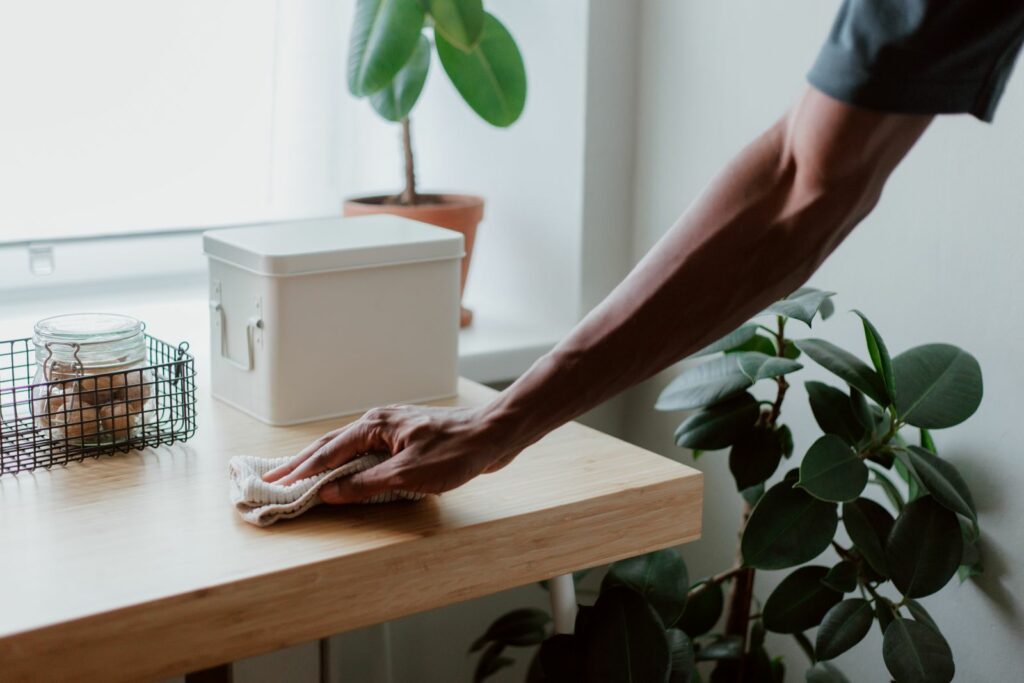
Payment terminals are among the most-touched surfaces in any business. Customers handle them, staff handle them, and they move between hands, pockets, counters and tables all day. Keeping them clean is good hygiene, and customers notice it.
Cleaning a terminal the wrong way can damage it, though. Electronics and liquids don’t mix, and some common cleaning products can harm plastics, screens and electrical contacts. This guide covers how to clean an EFTPOS terminal safely, based on manufacturers’ published guidance, and how a protective cover makes the job easier.
Always check the cleaning instructions for your specific terminal model, or ask your terminal provider. Guidance varies between manufacturers and models.
Why terminal hygiene matters
- High-touch surface. A busy terminal is pressed by many different people every day. Keypads in particular have gaps and edges where dirt builds up.
- Customer confidence. A clean terminal looks professional. A grubby keypad with worn, sticky keys does the opposite.
- Sector requirements. Healthcare, aged care, pharmacy and food businesses often have stricter hygiene expectations and cleaning schedules.
- Equipment life. Grime and residue in keypads cause sticky or unresponsive keys over time.
What terminal manufacturers recommend
Ingenico, Verifone and PAX have all published cleaning guidance for their payment terminals. The details differ, but the core rules are consistent:
- Power off first. PAX advises making sure the terminal is unplugged and powered off before cleaning. Verifone advises letting the device dry completely before reconnecting power.
- Never spray, pour or apply liquid directly onto the terminal. Apply the cleaner to a soft, lint-free cloth or use a pre-moistened wipe instead. All three manufacturers say this.
- Keep moisture out of openings, including the card slot, card reader, ports and electrical connections.
- Use mild products. Verifone recommends a lightly water-dampened microfibre cloth, with a drop or two of pH-neutral soap if needed. Ingenico recommends a soft cloth very slightly dampened with soapy water.
- Avoid harsh chemicals. Manufacturers warn against bleach, solvents, abrasive cleaners and harsh detergents. Ingenico also lists hydrogen peroxide, thinners and ketone-based solvents among products that may damage plastics or electrical contacts.
- Be careful with alcohol. Guidance on isopropyl alcohol varies. PAX allows alcohol-based disinfectant wipes, and Verifone allows alcohol-based cleaners for stubborn marks on some models. Ingenico advises that 70% isopropyl alcohol should not be used on plastic display lenses, though it can be used on glass touchscreens. Check the guidance for your model.
- Don’t scrub. Excessive wiping can damage finishes and key legends.
- Don’t put anything in the card slot except a card or an approved card-reader cleaning card.
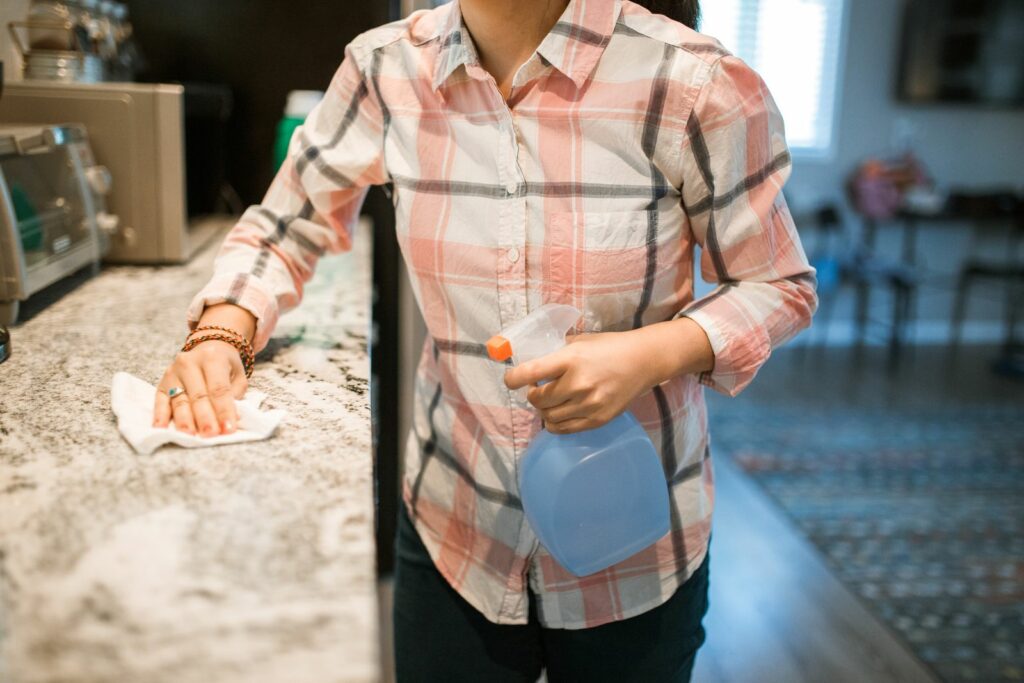
A simple daily cleaning routine
- Wash or sanitise your hands before you start, so you’re not adding dirt back.
- Power off the terminal (or follow your provider’s advice if it needs to stay on) and remove it from any charging base.
- Dampen a soft, lint-free cloth with a terminal-safe cleaner, or use a suitable pre-moistened wipe. The cloth should be damp, not wet.
- Wipe the screen first with light, even strokes, then the keypad, sides and back.
- Keep the cloth away from the card slot, ports and contacts.
- Let it air dry completely before powering back on or returning it to the charging base.
- Clean the charging base and any shared stylus or stand the same way.
How often you clean depends on your setting. Many businesses wipe terminals at the start and end of each day. High-traffic and high-hygiene environments may clean more often.
How a protective cover makes cleaning easier
The keypad is the hardest part of a terminal to clean properly. Dirt collects around each key, and a damp cloth pushes moisture towards exactly the gaps you’re trying to keep dry.
A custom-fitted wet cover changes that. It sits over the keypad as a smooth, sealed surface, so:
- Dirt stays on top. Residue sits on the cover’s surface instead of working down between the keys.
- Cleaning is quicker. A single wipe across a smooth cover does more than careful work around dozens of individual keys.
- Moisture stays out. When properly installed, the cover is designed to help keep cleaning liquid away from the keypad underneath.
- The terminal lasts longer. Key legends and finishes aren’t worn away by repeated cleaning.
Keycovers wet covers are designed to be cleaned with an approved antimicrobial cleaner, and our covers are made from materials that inhibit the growth of various microbes and fungus.
Even with a cover fitted, follow the same basic rules: spray the cloth, not the terminal, and keep liquid away from the card slot and ports.
Screens need care too
Touchscreens and display lenses can be damaged by the wrong products. A screen protector adds a replaceable layer that takes the wear from frequent cleaning, so the original screen stays clear. Use a soft cloth and a cleaner suited to the protector and screen type, and avoid paper towels, which can scratch.
Common cleaning mistakes to avoid
- spraying sanitiser or disinfectant straight onto the terminal
- using bleach-based or abrasive products
- putting hand sanitiser directly onto the keypad or screen
- using a soaking-wet cloth
- cleaning while the terminal is charging
- poking cloths, cotton buds or tools into the card slot
- putting a terminal back on its base before it’s dry.
Make terminal hygiene easier with Keycovers
Keycovers has made custom-fitted wet covers in New Zealand for more than 25 years. Our current range covers Verifone, Ingenico and Sunmi terminals, and if your model isn’t listed we can usually make one. They give your staff a surface that’s quick and easy to keep clean.
Talk to us about covers for your terminals, email sales@keycovers.co.nz or call (09) 845 1464.
Sources: PAX Technology, Sanitization Guide for PAX Terminals; Verifone, Maintenance and Cleaning; Ingenico, Cleaning Instructions for Ingenico Payment Terminals.
Need covers or screen protectors for your terminals? Talk to us about your fleet.