

If your terminal lives behind a bar, on a café counter, at a market stall or in a food truck, it’s working in one of the toughest environments a piece of electronics can face. Liquids, heat, steam, sticky hands, rain and constant handling are all part of a normal shift.
This guide covers where hospitality and outdoor terminals are most at risk, what an EFTPOS wet cover protects against, and how to get the most out of one.
Why hospitality is hard on terminals
Hospitality terminals get used hard. A busy café or bar terminal can be tapped, keyed and handed back and forth hundreds of times a day, often by staff with wet hands. Common problems include:
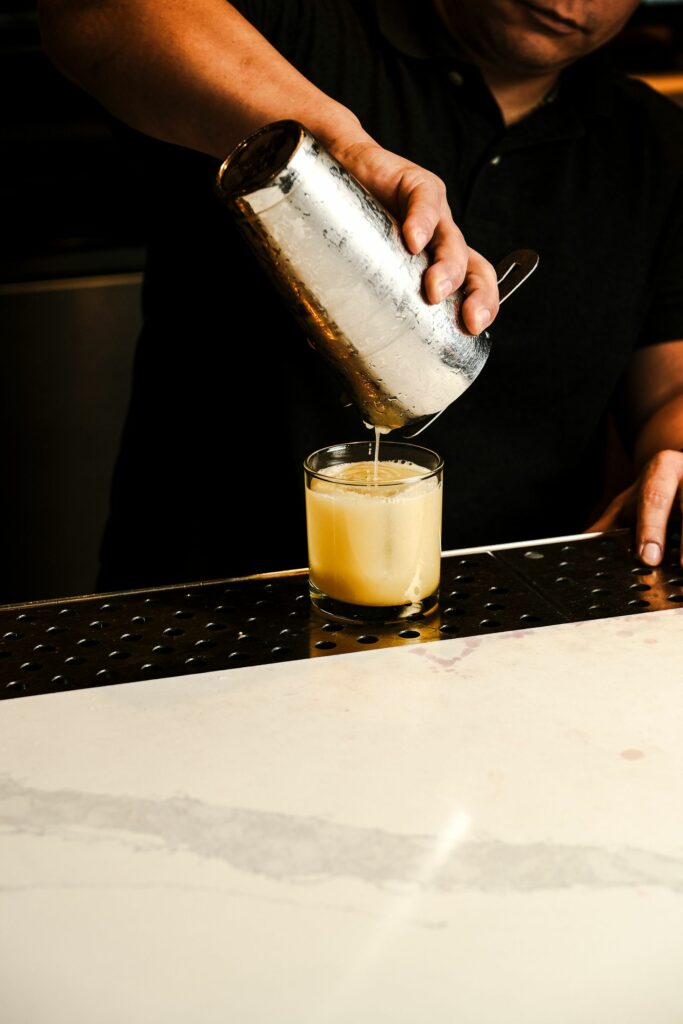
- Drink spills. Coffee, milk, beer, wine, soft drinks and cocktails. Sugary drinks are especially bad because they leave sticky residue that gums up keys.
- Wet benches. Terminals set down on a freshly wiped or wet bar top sit in a film of liquid.
- Condensation and steam. Near coffee machines, dishwashers and kitchens, moisture in the air settles on cool surfaces.
- Food and grease. Kitchens and takeaways leave fine grease on everything, including terminal keypads.
- Constant cleaning. Hospitality venues clean high-touch surfaces often. If cleaner is sprayed directly onto a terminal, it can end up inside.
Outdoor and mobile trading brings its own risks
Markets, events, food trucks, sports clubs, tradies and delivery drivers all take payments outside. New Zealand weather doesn’t always cooperate, and a sudden shower at a Saturday market can catch any stallholder out. Outdoor terminals also deal with:
- rain and drizzle landing directly on the keypad
- dust and grit at markets, building sites and A&P shows
- drops onto hard ground and being carried around in pockets, bags and vans
- sunscreen, dirt and food on customers’ hands.
Mobile terminals are often the only way a trader can take card payments. If the one terminal at a market stall fails, the stall can’t trade.
What an EFTPOS wet cover does
A wet cover is a flexible protective seal, custom-moulded to fit a specific terminal model. It sits snugly over the keypad so each key can still be pressed normally, while the cover itself takes the splashes, dirt and handling.
When properly installed, a Keycovers wet cover is designed to:
- Help keep liquid out. Spills and rain run off the cover rather than seeping into the gaps between keys.
- Block dust and grime. Food residue, grease and grit stay on the surface, where they can be wiped away.
- Make cleaning quick. Spray an approved disinfectant onto a cloth and wipe. The cover gives you a smooth surface without crevices.
- Reduce wear. Key legends and the terminal’s finish last longer when fingers aren’t pressing directly on them all day.
Our covers are moulded for specific models, including the Verifone P400 and 210m, the Ingenico Move 5000 (with a V6 version for the new key layout), Desk 5000, Desk 3200 and Lane 3000. For example, we make covers for the Ingenico Lane 3000 pin pad, and a two-part cover for the Ingenico Desk 1500 that protects both the lower keypad and the buttons below the screen.
Choosing the right cover for a hospitality or outdoor site
Match the exact model
Terminals that look alike can have different key layouts, screen sizes and button positions. Check the label on the underside of the terminal for the make and model number before you order. If you run a mix of terminals (countertop units at the till and portables for table service), list each model separately.
Think about how the terminal is used
- Fixed countertop and pin pad units mainly need keypad protection against spills on the bench.
- Portable terminals used for table service are handled more, put down on wet tables and occasionally dropped. A snug cover plus a screen protector is a good combination.
- Outdoor and mobile terminals face rain and dust. Prioritise a well-fitted cover and keep a spare in the van or stall kit.
Plan for replacements
Covers are a wear item. In a busy bar, a cover may need replacing more often than at a quiet retail counter. A worn, stretched or torn cover won’t seal properly, so replace it before it stops doing its job. Keeping one or two spares on site means you’re never caught without protection on a Friday night.
Tips for keeping hospitality terminals working
- Give the terminal a home. A dedicated, dry spot away from the drip tray, glass washer and coffee machine cuts down on accidental spills.
- Don’t spray directly. Terminal manufacturers such as Ingenico, Verifone and PAX all advise spraying cleaner onto a cloth rather than onto the device. The same goes for a covered terminal. A cover is easy to wipe, but there’s no reason to soak it.
- Dry hands, dry terminal. Encourage staff to wipe their hands before taking a terminal to a table, especially in wet weather.
- Check covers weekly. Make a quick visual check part of your closing routine. Look for tears, lifting edges or a loose fit.
- Charge safely. Keep charging bases and cables away from wet benches, and let a terminal dry completely before docking it.
- Bring a backup plan to events. For markets and festivals, a spare cover, a dry bag and a charged power bank go a long way.
For resellers, terminal providers and multi-site operators
If you supply or manage terminals for hospitality customers, fitting wet covers at rollout can cut down on damage-related swaps and support calls. We work with resellers and multi-site businesses across New Zealand and Australia. Tell us which models you run and roughly how many, and we’ll come back to you.
Get your hospitality terminals covered
Keycovers has been making EFTPOS wet covers in New Zealand for more than 25 years. Tell us which terminals you use (the make and model on the label underneath) and we’ll let you know what fits. If we don’t have a cover for your model yet, we can usually make one.
Ask about wet covers for your terminals, email sales@keycovers.co.nz or call (09) 845 1464.
Need covers or screen protectors for your terminals? Talk to us about your fleet.